If you don’t have an Ultravox account, you can sign up at https://app.ultravox.ai. All new accounts get 30 free minutes of call time.
1
Sign-In
Make sure you are signed into you account at https://app.ultravox.ai
2
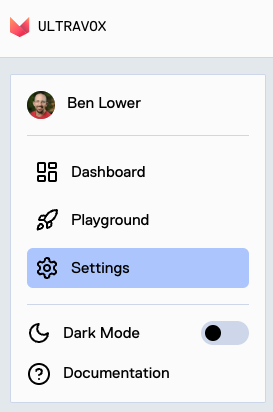
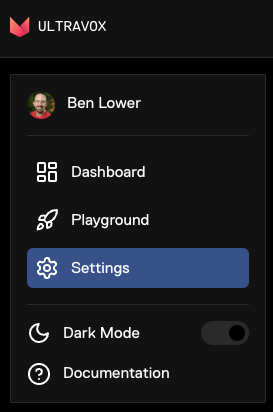
Go to Settings
3
Click 'Generate New Key'
In the API Keys sections, click on “Generate New Key”.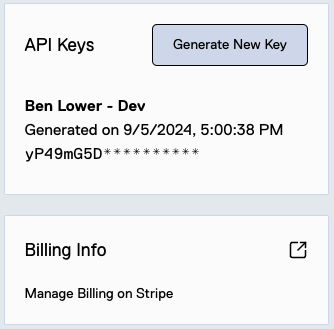
4
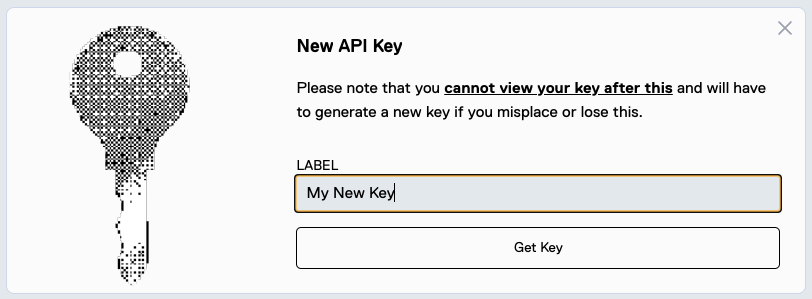
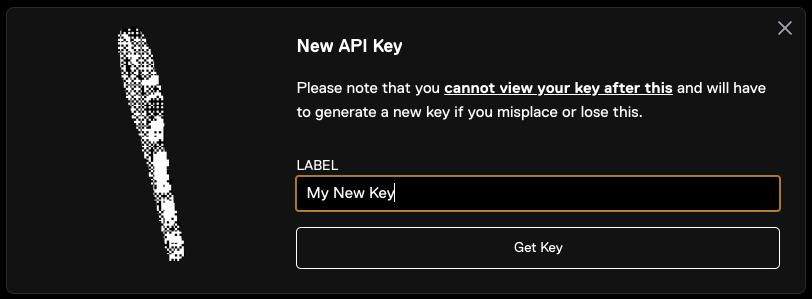
Name the Key and Save
Create a name for your new API key and create it. Make sure you save the key in a secure secrets manager.