> ## Documentation Index
> Fetch the complete documentation index at: https://docs.ultravox.ai/llms.txt
> Use this file to discover all available pages before exploring further.
# Using Static Documents
> Use text, PDF, Word, and other documents in your corpus.
You can use files as sources for any of your corpora.
Files can be added via the [Web App](https://app.ultravox.ai/rag) or via the [Create Corpus File Upload API](/api-reference/corpora/corpora-uploads-post).
## Upload Files via Web App
* Go to [RAG](https://app.ultravox.ai/rag) in the Ultravox web application.
* Click `New Source` in the top right corner.
* Select the `Collection` to which you want to add the content.
* (Optionally) Add a `Name` and `Description` for the new source.
* Select `Document` and add files.
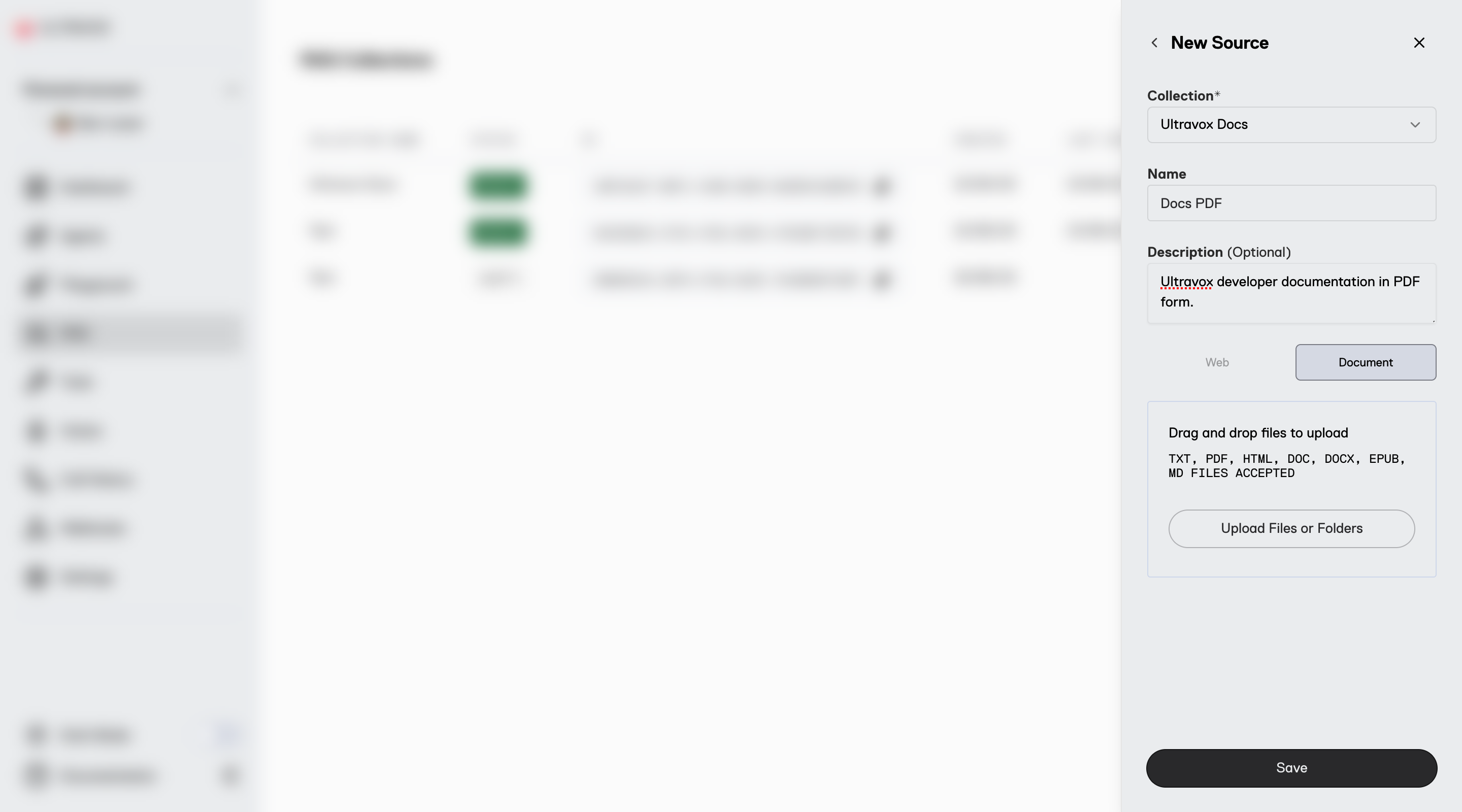
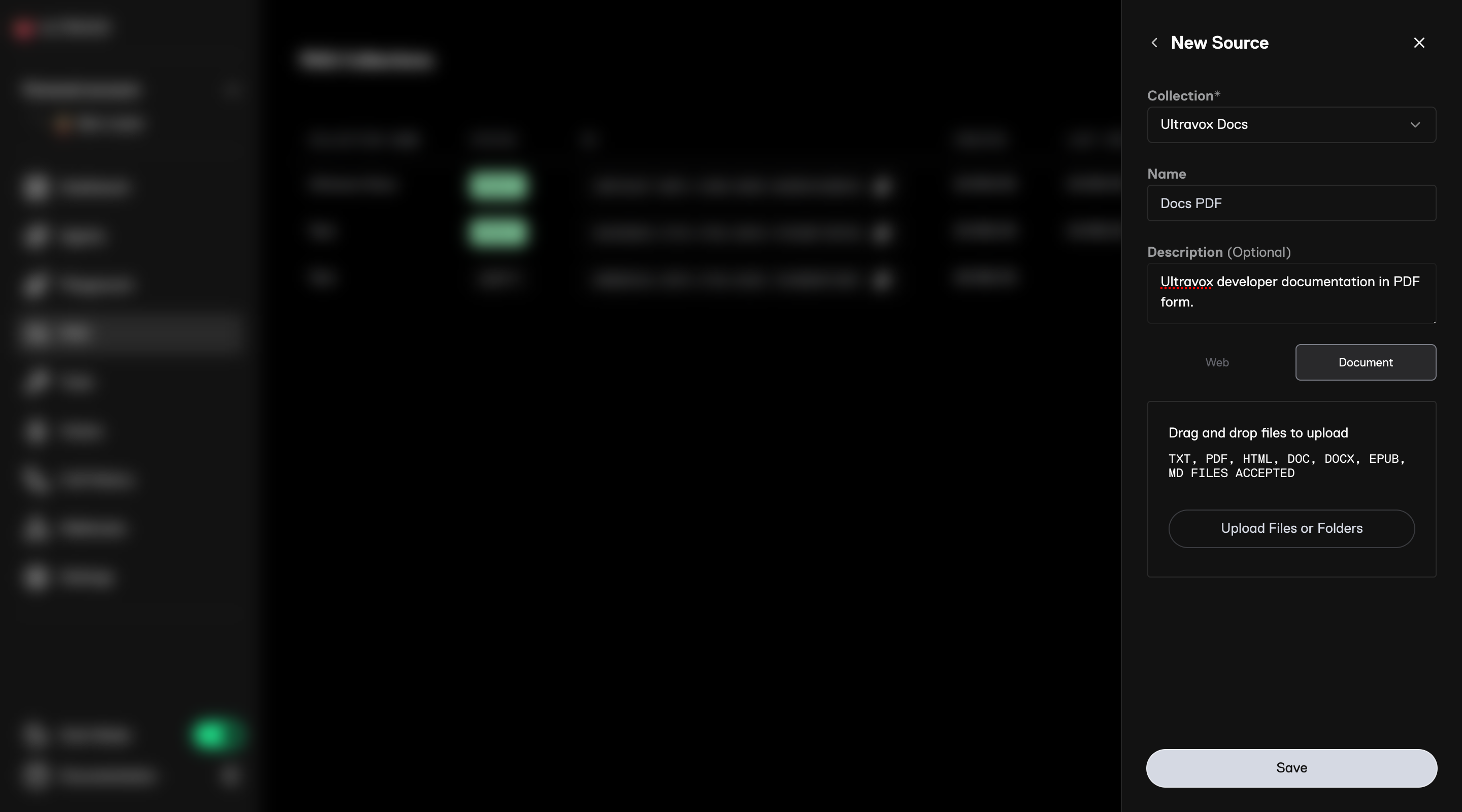 * Click `Save` and wait a few moments for your content to be uploaded and ingested.
## Upload Files via API
To upload files using the API, follow these steps:
* Use the [Create Corpus File Upload API](/api-reference/corpora/corpora-uploads-post)
* Include the MIME type string in the request body
* This returns the URL to use for upload and the unique ID for the document
* URLs expire after 5 minutes. Request a new one if it expires before using it
The URL that is returned is tied to the provided MIME type. The same MIME type must be used during upload.
* Use the `presignedUrl` from Step 1 to upload the document
* Ensure the MIME type in the upload matches what was specified in Step 1
For example, if we requested an upload URL for a text file (MIME type `text/plain`):
```bash theme={null}
FILE_PATH="/path/to/your/file"
UPLOAD_URL="https://storage.googleapis.com/fixie-ultravox-prod/..."
curl -X PUT \
-H "Content-Type: text/plain" \
--data-binary @"$FILE_PATH" \
"$UPLOAD_URL"
```
* Use the [Create Corpus Source API](/api-reference/corpora/corpora-sources-post)
* Use `upload` to provide the `documentId` from Step 1
You can provide an array of Document IDs to bulk create a source.
## Supported File Types
The following types of static files are currently supported:
| File Extension | Type of File | MIME Type |
| -------------- | ------------------------------------------ | ------------------------------------------------------------------------- |
| doc | Microsoft Word Document | application/msword |
| docx | Microsoft Word Open XML Document | application/vnd.openxmlformats-officedocument.wordprocessingml.document |
| txt | Plain Text Document | text/plain |
| md | Markdown Document | text/markdown |
| ppt | Microsoft PowerPoint Presentation | application/vnd.ms-powerpoint |
| pptx | Microsoft PowerPoint Open XML Presentation | application/vnd.openxmlformats-officedocument.presentationml.presentation |
| pdf | Portable Document Format | application/pdf |
## Limits
See the [Overall Limits](/api-reference/corpora/overview#overall-limits) section for details on limits for the number of sources, file sizes, and more.
* Click `Save` and wait a few moments for your content to be uploaded and ingested.
## Upload Files via API
To upload files using the API, follow these steps:
* Use the [Create Corpus File Upload API](/api-reference/corpora/corpora-uploads-post)
* Include the MIME type string in the request body
* This returns the URL to use for upload and the unique ID for the document
* URLs expire after 5 minutes. Request a new one if it expires before using it
The URL that is returned is tied to the provided MIME type. The same MIME type must be used during upload.
* Use the `presignedUrl` from Step 1 to upload the document
* Ensure the MIME type in the upload matches what was specified in Step 1
For example, if we requested an upload URL for a text file (MIME type `text/plain`):
```bash theme={null}
FILE_PATH="/path/to/your/file"
UPLOAD_URL="https://storage.googleapis.com/fixie-ultravox-prod/..."
curl -X PUT \
-H "Content-Type: text/plain" \
--data-binary @"$FILE_PATH" \
"$UPLOAD_URL"
```
* Use the [Create Corpus Source API](/api-reference/corpora/corpora-sources-post)
* Use `upload` to provide the `documentId` from Step 1
You can provide an array of Document IDs to bulk create a source.
## Supported File Types
The following types of static files are currently supported:
| File Extension | Type of File | MIME Type |
| -------------- | ------------------------------------------ | ------------------------------------------------------------------------- |
| doc | Microsoft Word Document | application/msword |
| docx | Microsoft Word Open XML Document | application/vnd.openxmlformats-officedocument.wordprocessingml.document |
| txt | Plain Text Document | text/plain |
| md | Markdown Document | text/markdown |
| ppt | Microsoft PowerPoint Presentation | application/vnd.ms-powerpoint |
| pptx | Microsoft PowerPoint Open XML Presentation | application/vnd.openxmlformats-officedocument.presentationml.presentation |
| pdf | Portable Document Format | application/pdf |
## Limits
See the [Overall Limits](/api-reference/corpora/overview#overall-limits) section for details on limits for the number of sources, file sizes, and more.